
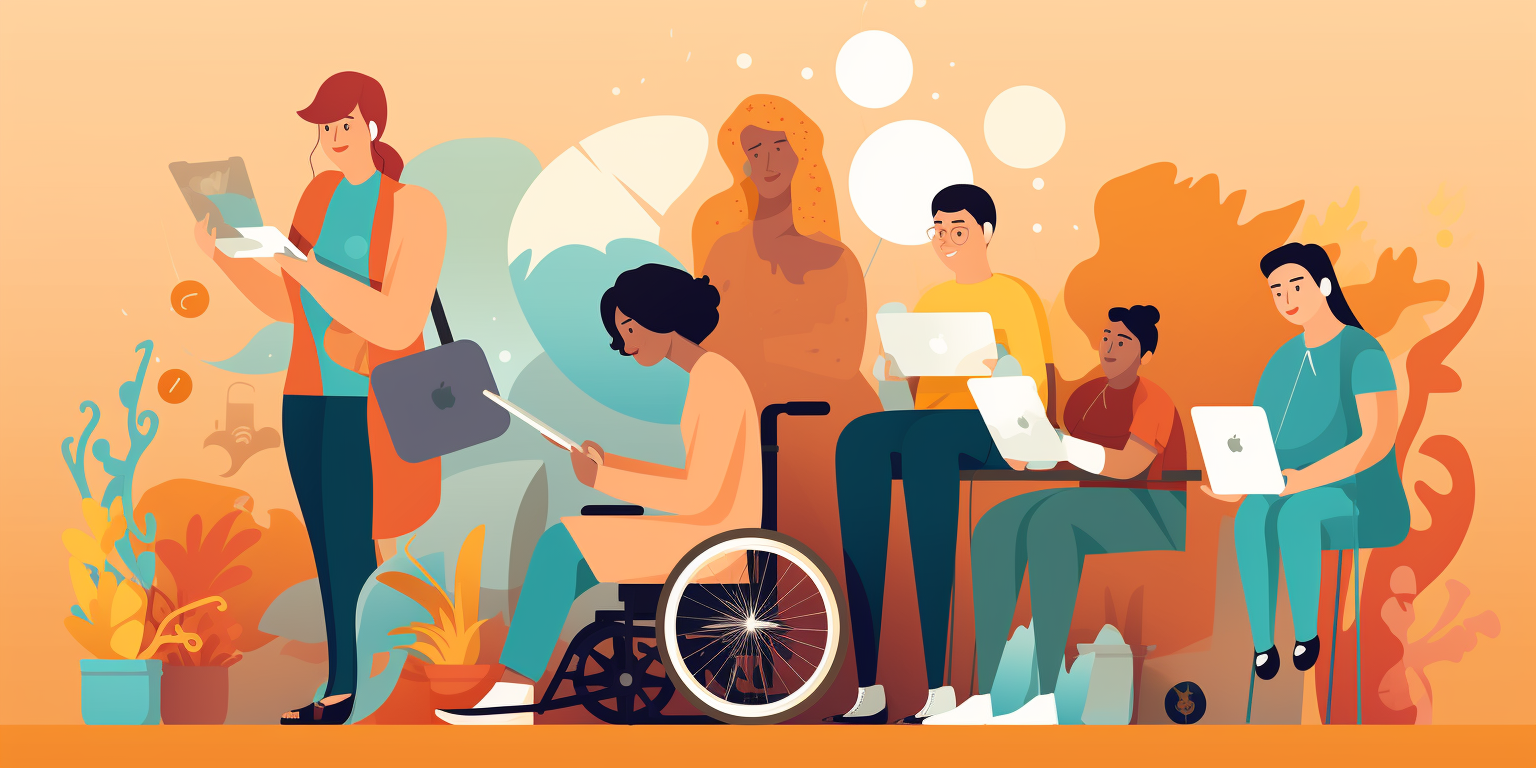
Most websites fail to cater for the 1 billion people with accessibility challenges.
That’s 1 in every 8 people.
The most common accessibility failures on home pages are:
- Low Contrast Text
- Missing Image Alt Text
- Empty Links
- Missing Form Input Labels
- Empty Buttons
Let’s delve into the realm of website accessibility.
It’s not just about meeting standards; it’s about embracing inclusivity and making your digital presence accessible to everyone. As tech-savvy individuals, let’s explore how we can enhance our websites to ensure a seamless experience for all users.
Understanding Website Accessibility:
Website accessibility is about making your website usable by everyone, including those with disabilities. It’s like ensuring that your digital door is wide open, welcoming everyone in. Whether it’s visual, auditory, or motor impairments, accessibility ensures that everyone can navigate and engage with your content effortlessly.
Why Accessibility Standards Matter:
Think of accessibility standards as your roadmap to inclusivity. They provide clear guidelines and best practices to follow, ensuring that your website is user-friendly for all. The Web Content Accessibility Guidelines (WCAG) are like your trusty companion, guiding you through the process with principles like perceivability, operability, understandability, and robustness.
Ensuring ADA Compliance:
The Americans with Disabilities Act (ADA) sets the stage for inclusivity in the digital world. While it doesn’t outline specific technical requirements, it emphasizes the importance of making websites accessible to everyone. So, by aligning with WCAG guidelines, you’re not just meeting legal obligations; you’re creating a more welcoming online environment.
Practical Tips for Enhancing Accessibility:
Disclaimer. Please note that although you can do this yourself, it is recommended to use an experienced WordPress specialist to maintain your site. This guide has been created to try and help your business save costs on website maintenance. Please proceed at your own risk. Weaverbird and all Authors of this guide will not be liable for any lost data or content, lost profits, business interruption or for any indirect, incidental, special, consequential, exemplary or punitive damages arising out of or relating to this guide.
- Simplify your code: Opt for clean, semantic HTML to ensure that assistive technologies can interpret your content accurately.
- Add descriptive alt text: Help users with visual impairments understand images by providing descriptive alternative text.
- Prioritize keyboard navigation: Ensure that all interactive elements can be accessed and operated via keyboard alone, catering to users with motor impairments.
- Keep language clear and concise: Communicate your message in plain language, making it easy for everyone to understand.
- Test, test, test: Use accessibility testing tools and engage with assistive technologies to identify and address any accessibility barriers on your website.
Conclusion:
By embracing website accessibility, we’re not just creating websites; we’re crafting digital experiences that resonate with everyone. Let’s weave inclusivity into the very fabric of our online presence, ensuring that everyone feels welcomed and valued. Together, we can build a web that celebrates diversity and empowers every user to explore and engage with confidence.
If you want (or need) a quick and easy way to make your website more accessible here’s a great solution for WordPress websites:
WordPress Accessibility Plugin by UserWay

UserWay is a digital accessibility compliance platform that promote equal access to online experiences on millions of websites. The world’s most popular digital accessibility and compliance solution, trusted by millions of websites globally.
Let us know if you’d like me to help you get this setup:
Get in touch
Want more website improvements?

